How can I estimate vehicle speeds?
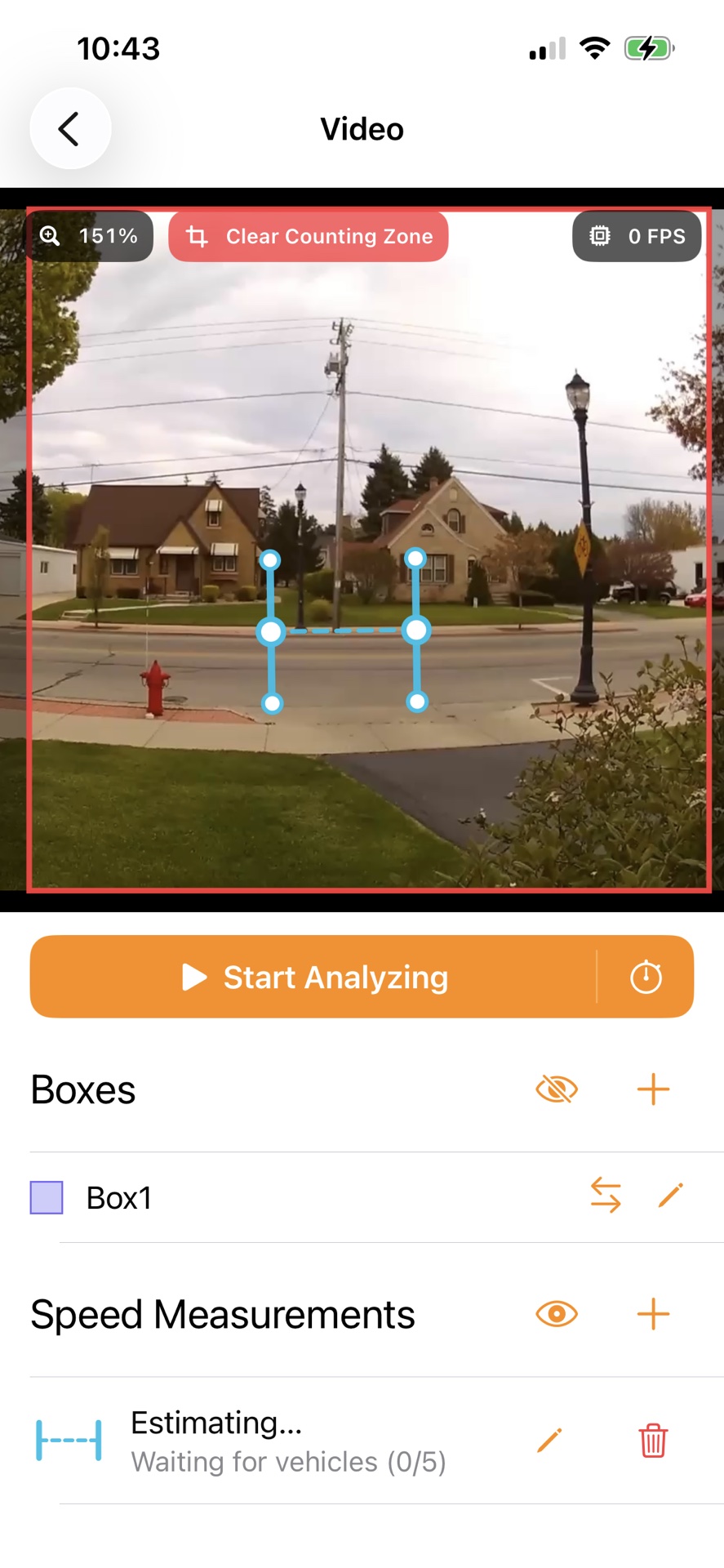
Vehicle speed estimation works best with a fixed camera position. Before starting a recording, tap the plus icon next to Speed Measurements. The app will try to place the measurement where vehicles are moving. Align the dotted line with the direction of travel so that vehicles pass through both solid gates.
Drag the dotted line to move the complete measurement. Drag the larger circles in the center of either gate to change its position, length, or angle. Use the smaller circles at the ends of the gates to make the measurement wider or narrower, for example to cover one or more lanes.
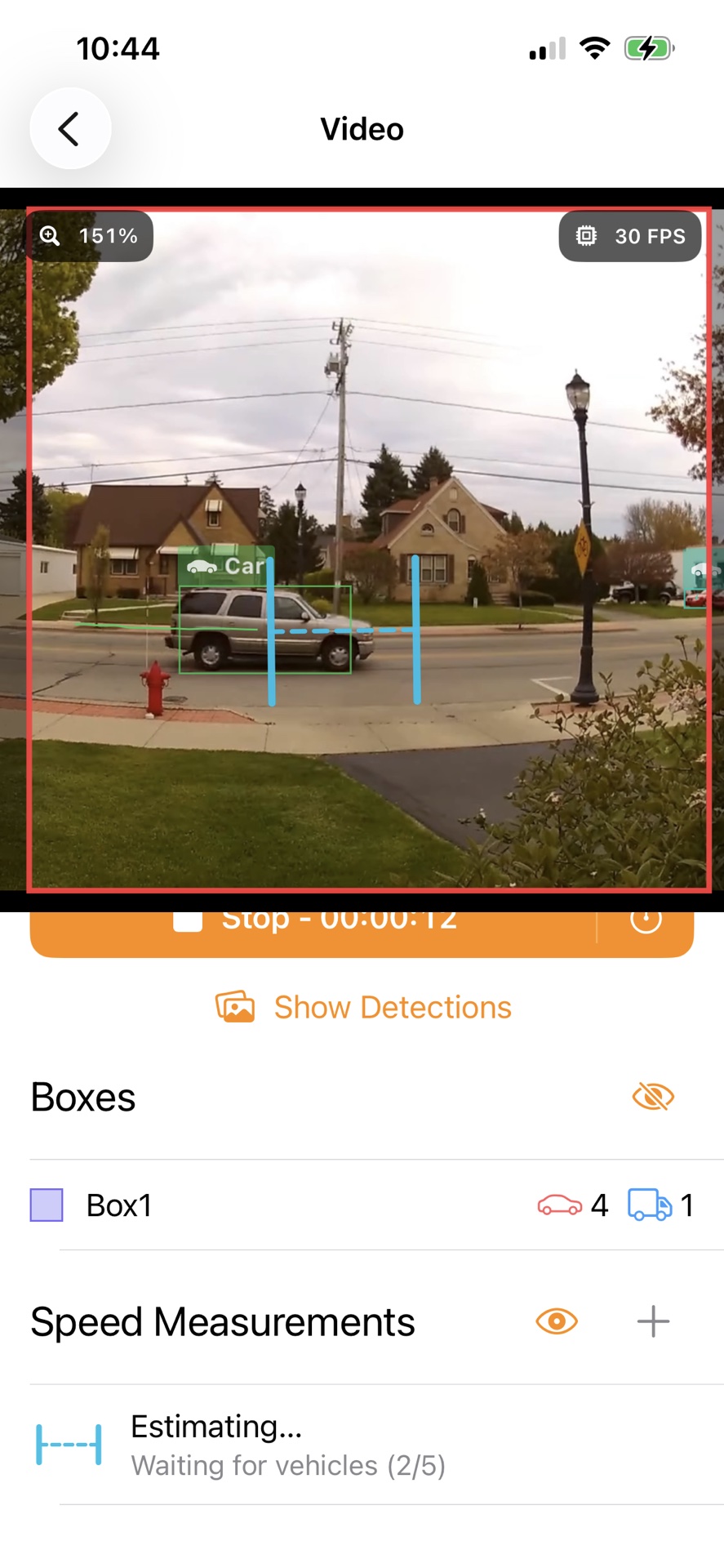
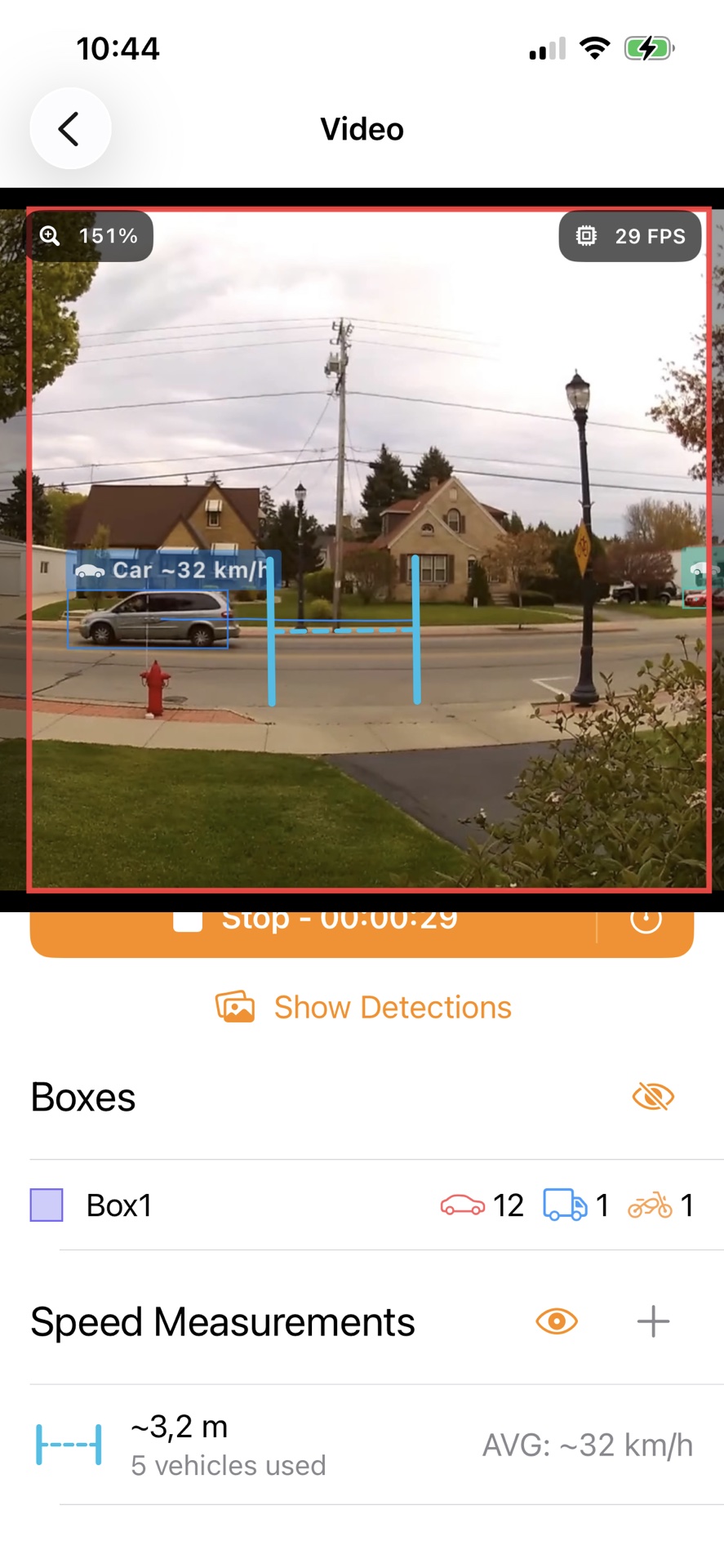
While Estimating… is shown, the app observes several vehicles moving through the measurement area. It uses their detected type and size at different positions in the image to estimate the real distance between the gates while accounting for perspective. The progress is shown as Waiting for vehicles. Once enough consistent observations are available, the estimated distance is displayed with a ~ symbol. For Live Camera and RTSP streams, this can happen before recording starts. For imported videos, estimation takes place while the video is being analyzed.
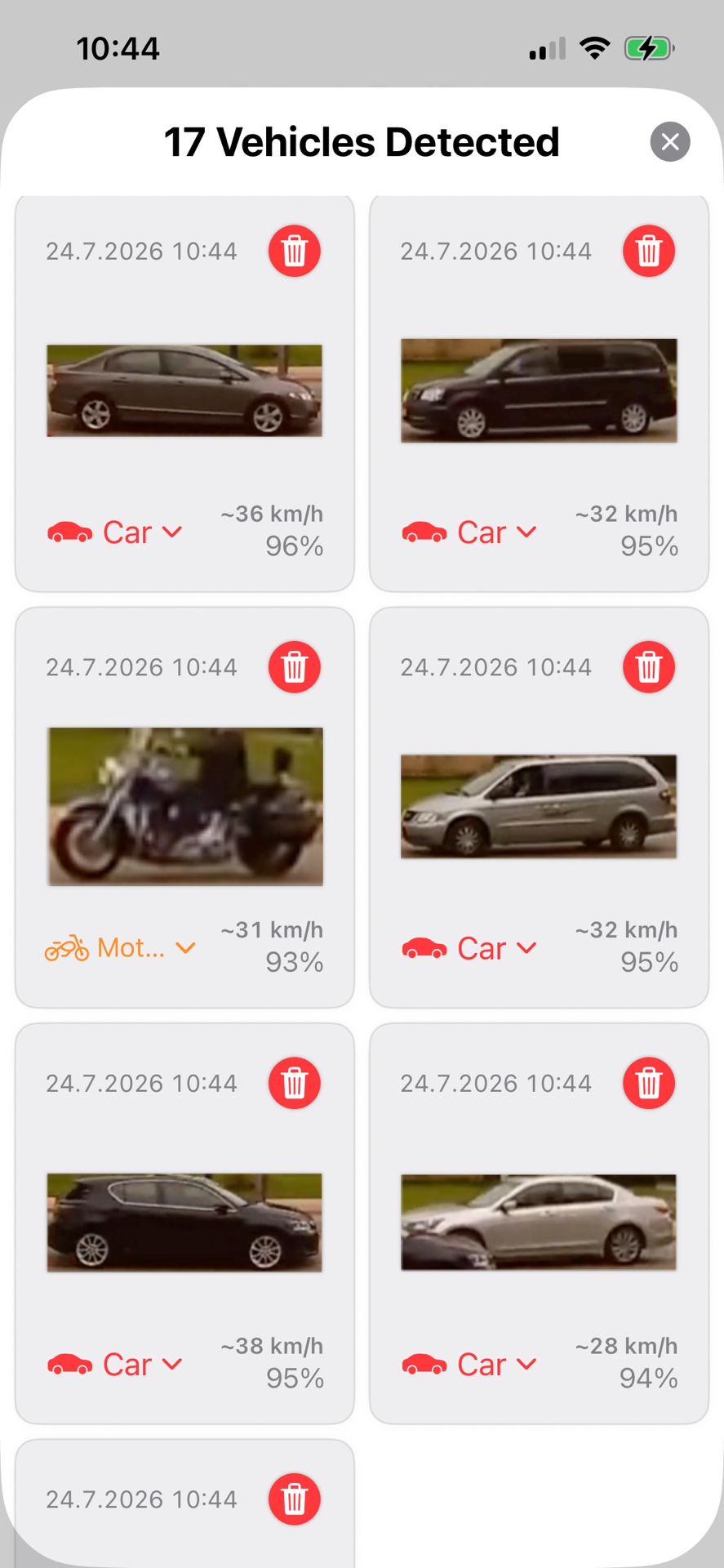
Once a distance is available, an estimated speed is shown after a vehicle crosses both gates. The current average is displayed next to the speed measurement. A ~ symbol indicates that the distance or speed is an estimate.
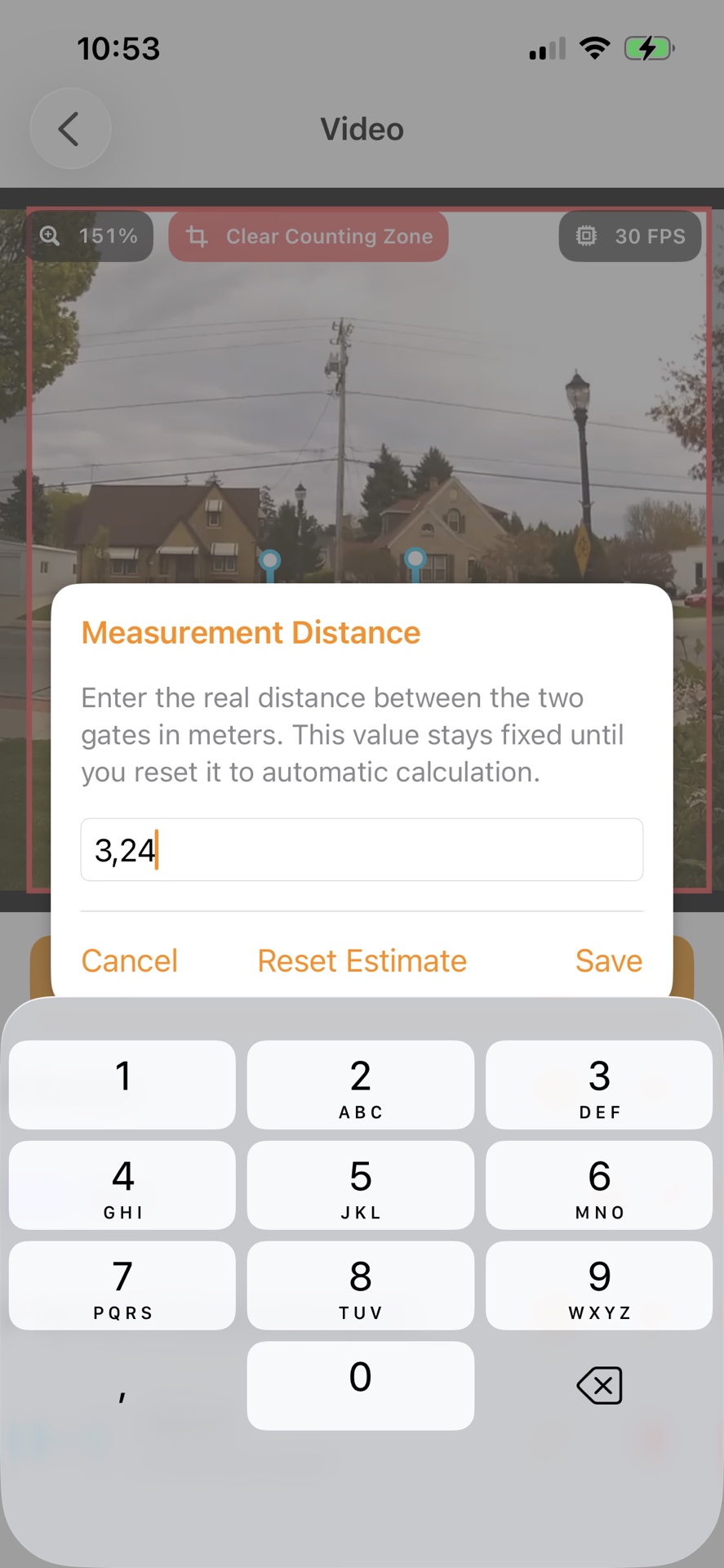
For greater accuracy, tap the pencil icon or double-tap the measurement line or either gate. Enter the known real-world distance between the two gates and tap Save. The manual distance remains fixed until you select Use Automatic. Choose Reset Estimate to discard an automatically calculated distance and estimate it again. Moving, rotating, resizing, or widening the measurement substantially also restarts automatic estimation and resets its average speed.
For the best results, keep the camera stable, make sure vehicles are clearly visible, and leave enough space between the gates for vehicles to be tracked reliably. Speed values are estimates and should not be used for legal enforcement.