How to use Live Camera?
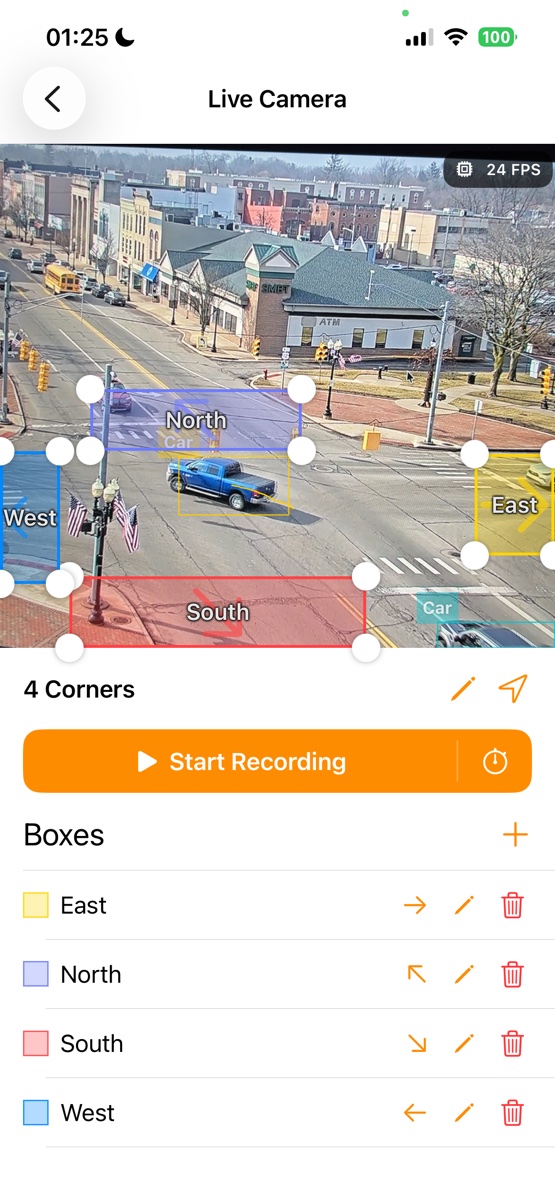
To use the Live Camera feature, simply select it to start recording a video while counting vehicles and people in real time. For optimal results, make sure to secure your device using a stand or tripod.
If you have granted location access, the app will automatically fill in the recording name with your current address.
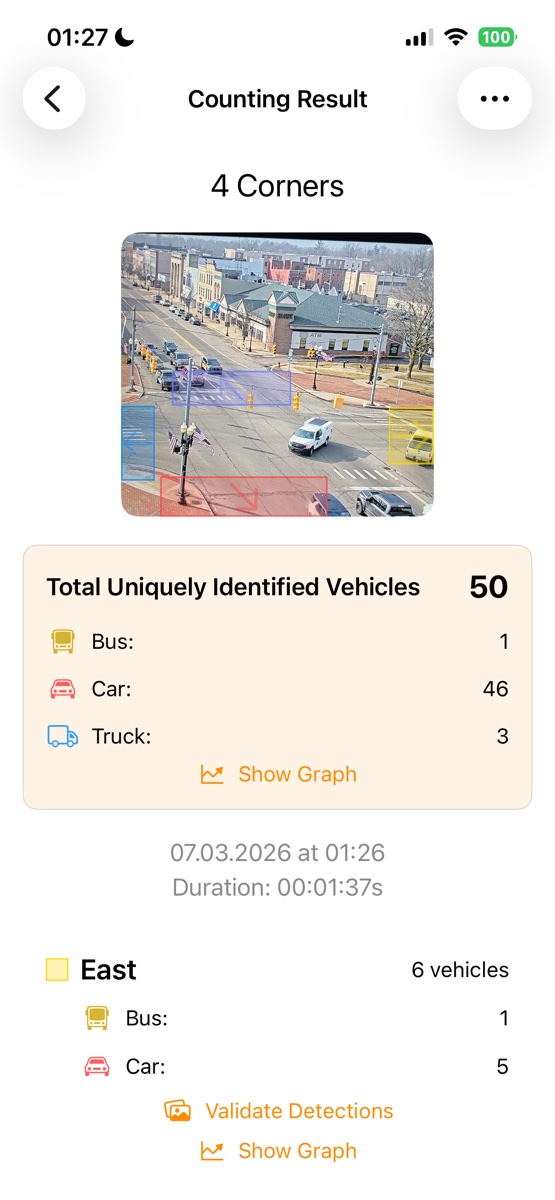
Next, position one or more detection boxes over the area you wish to monitor. Tap Start Recording to begin. You’ll see live counts displayed as the recording progresses. When you're ready to finish, hit Stop, and you'll receive a complete summary that includes total counts as well as results for each individual detection box.